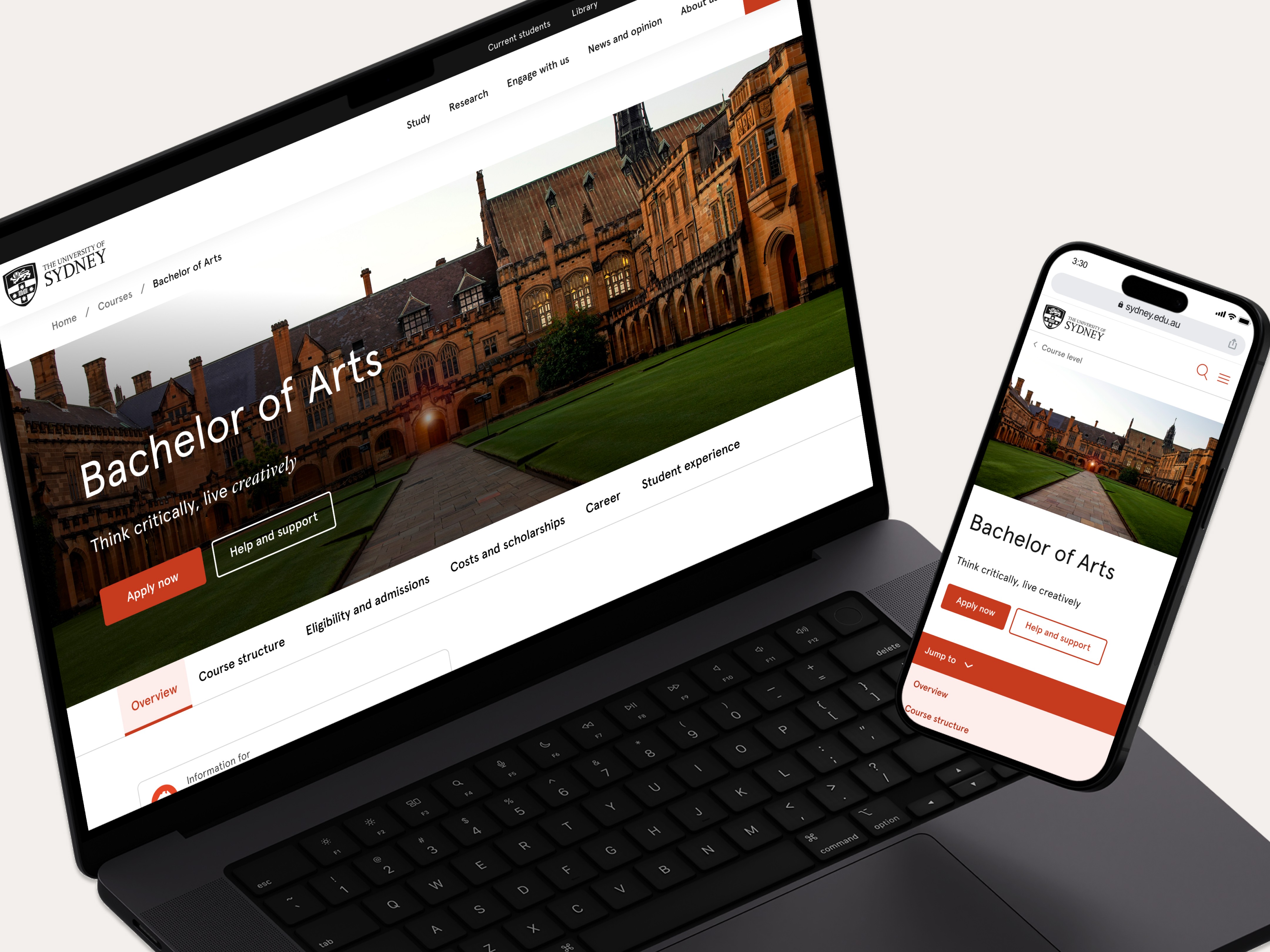
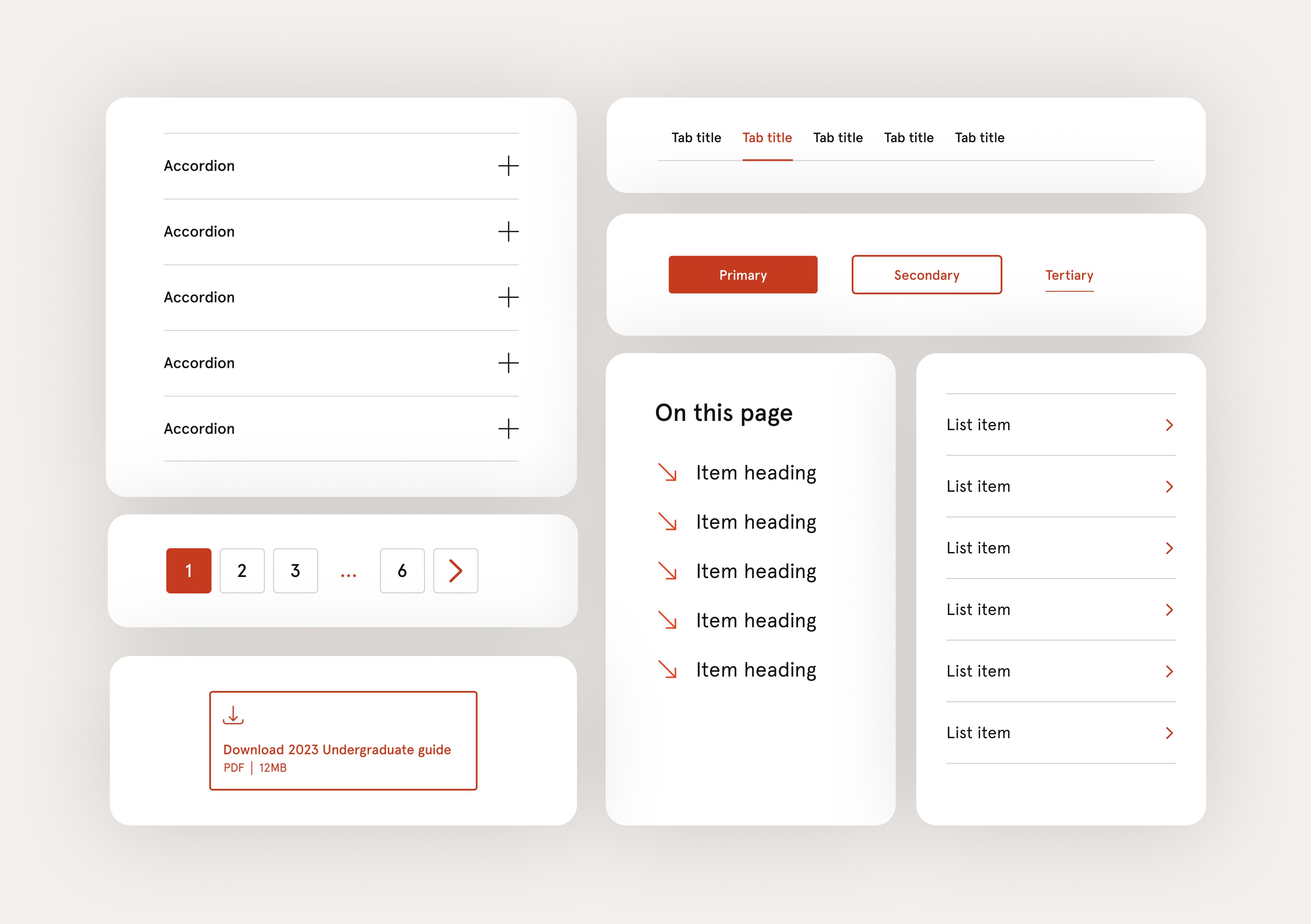
From clutter to clarity
I redesigned the University of Sydney's site navigation system to simplify movement across a massive and fragmented digital ecosystem — all without being able to change the underlying IA.
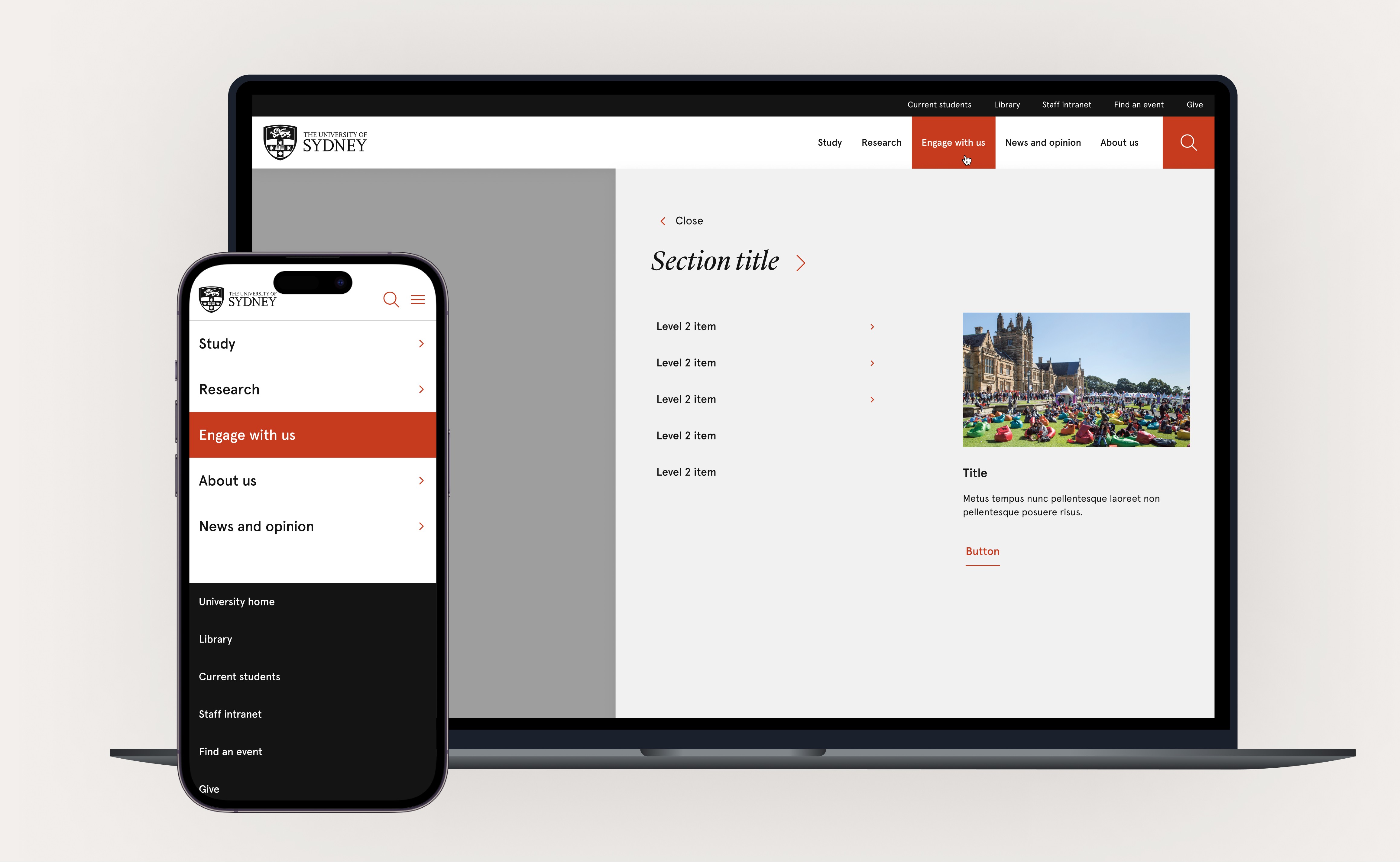
Simplify university's navigation without changing the information architecture labelling.
I started by unpacking design, studying what we did wrong, and what others did better.
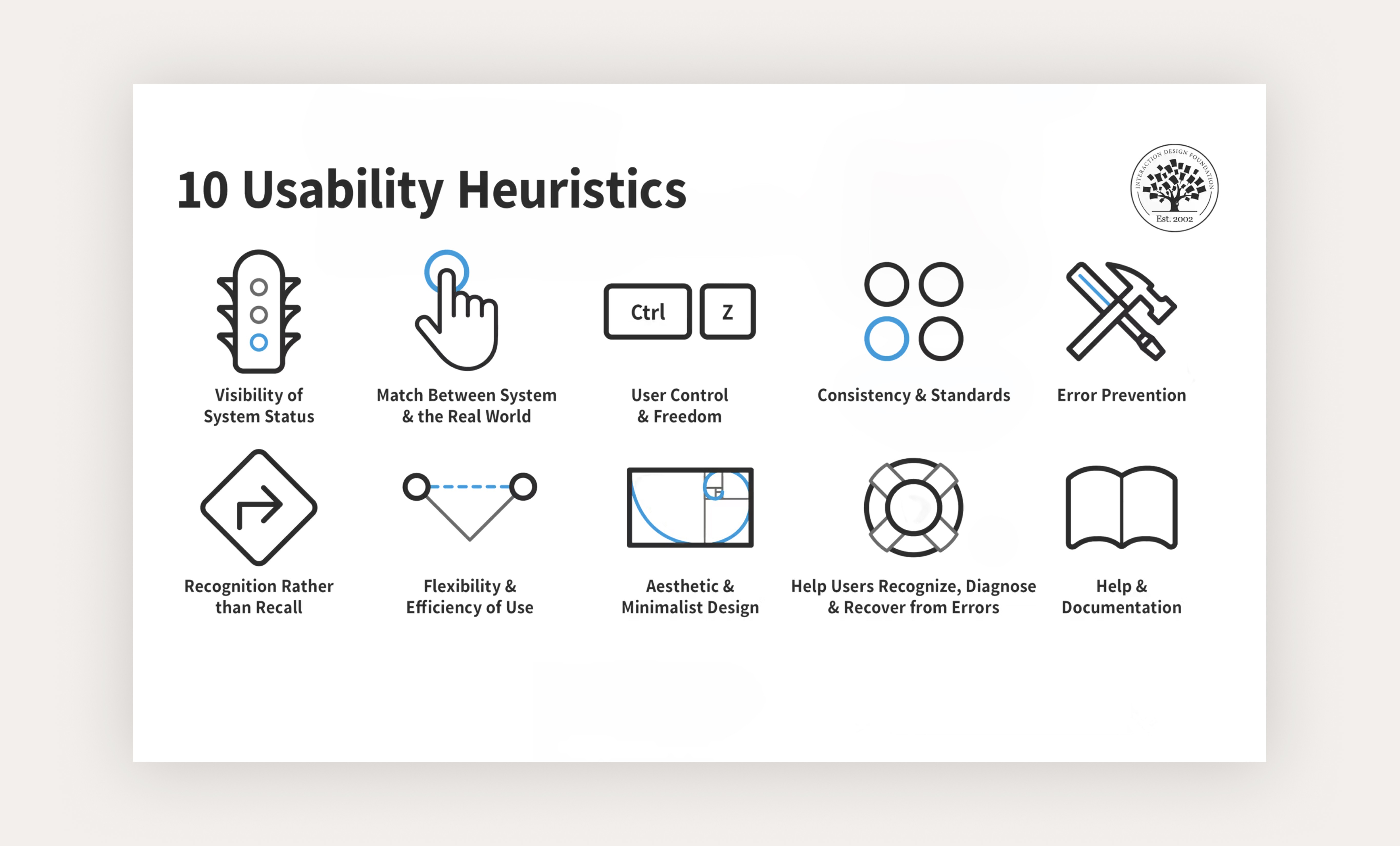
Existing UI failed basic usability heuristics
A heuristic analuysis showed site nav failed nearly all of Nielsen’s 10 principles — a clear signal that the navigation was fundamentally broken. It reflected real user pain: lack of orientation, inconsistent cues, and limited ability to recover from mistakes.
Studying competitors and big brands uncovered smarter ways to handle navigation
I analysed leading universities (e.g. Melbourne, UNSW, Deakin) and enterprise brands (Woolworths, Qantas, ABC) to understand how they manage navigation across large, multi-audience websites.
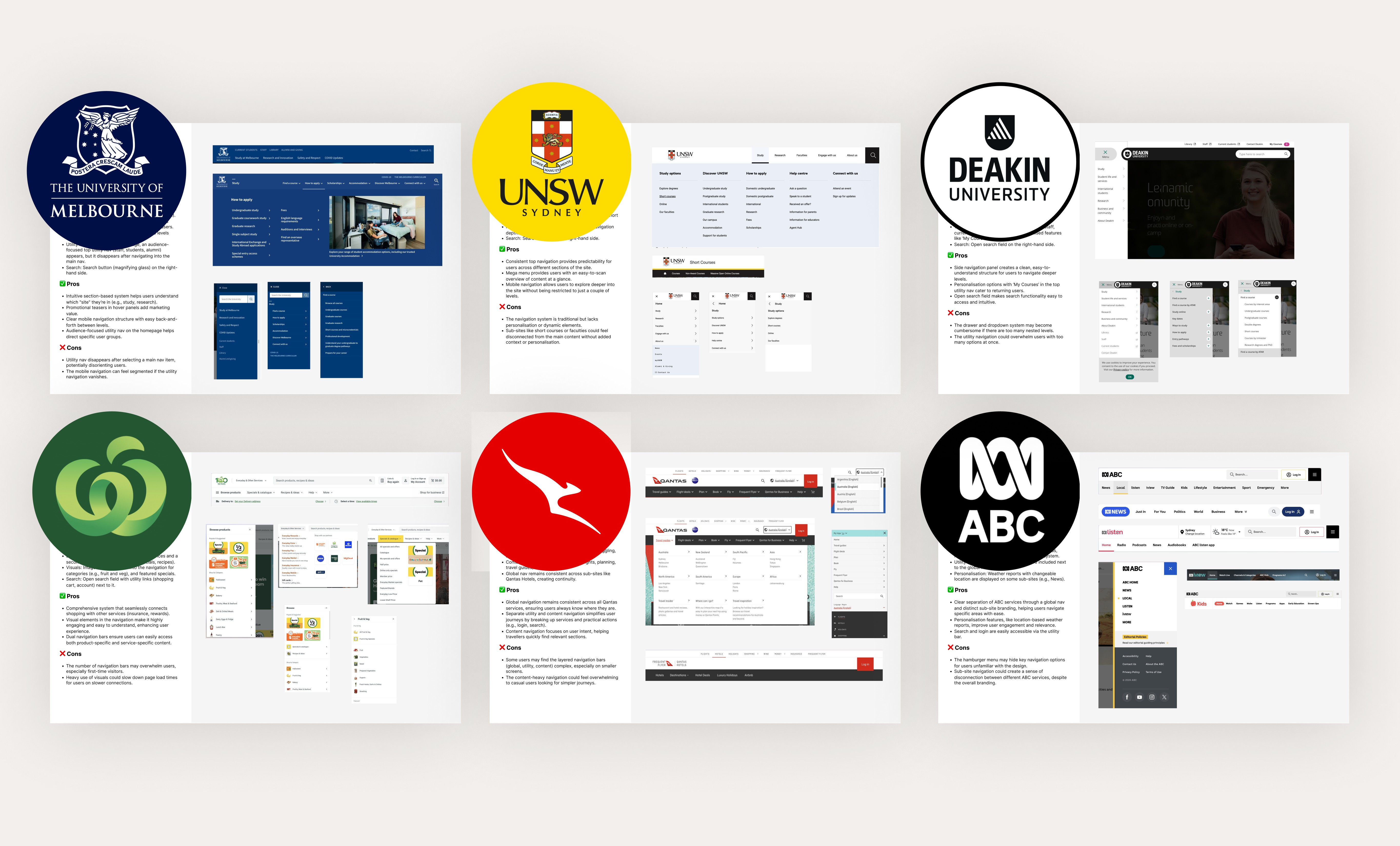
Key takeaways
I tested 3 different approaches real users to see what gave them true freedom and control
01
Immersive prototype: Can full-screen panels make deep navigation feel easier and more engaging?
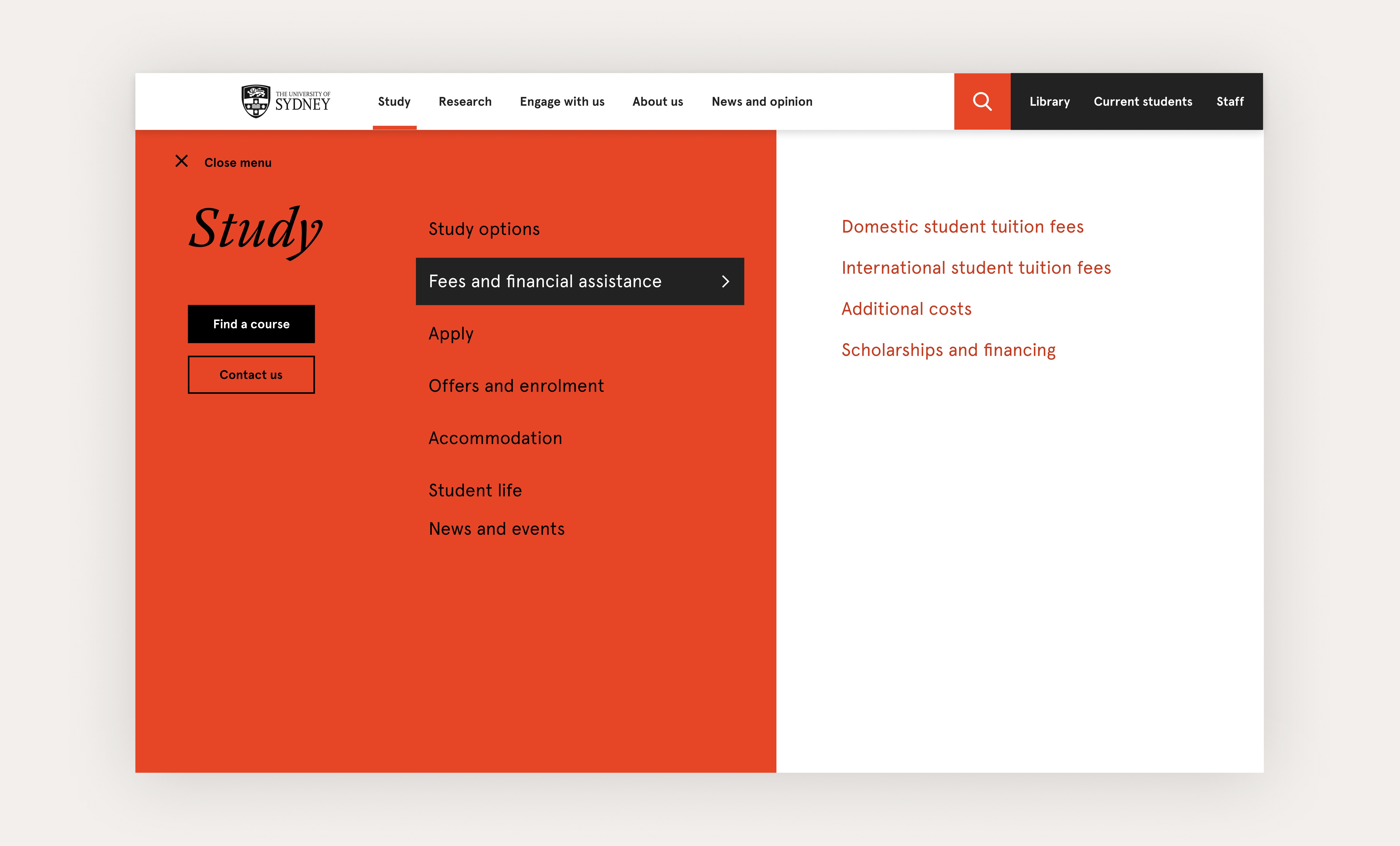
02
Top drawer prototype: Will a familiar, anchored nav help users stay oriented while reducing cognitive load?
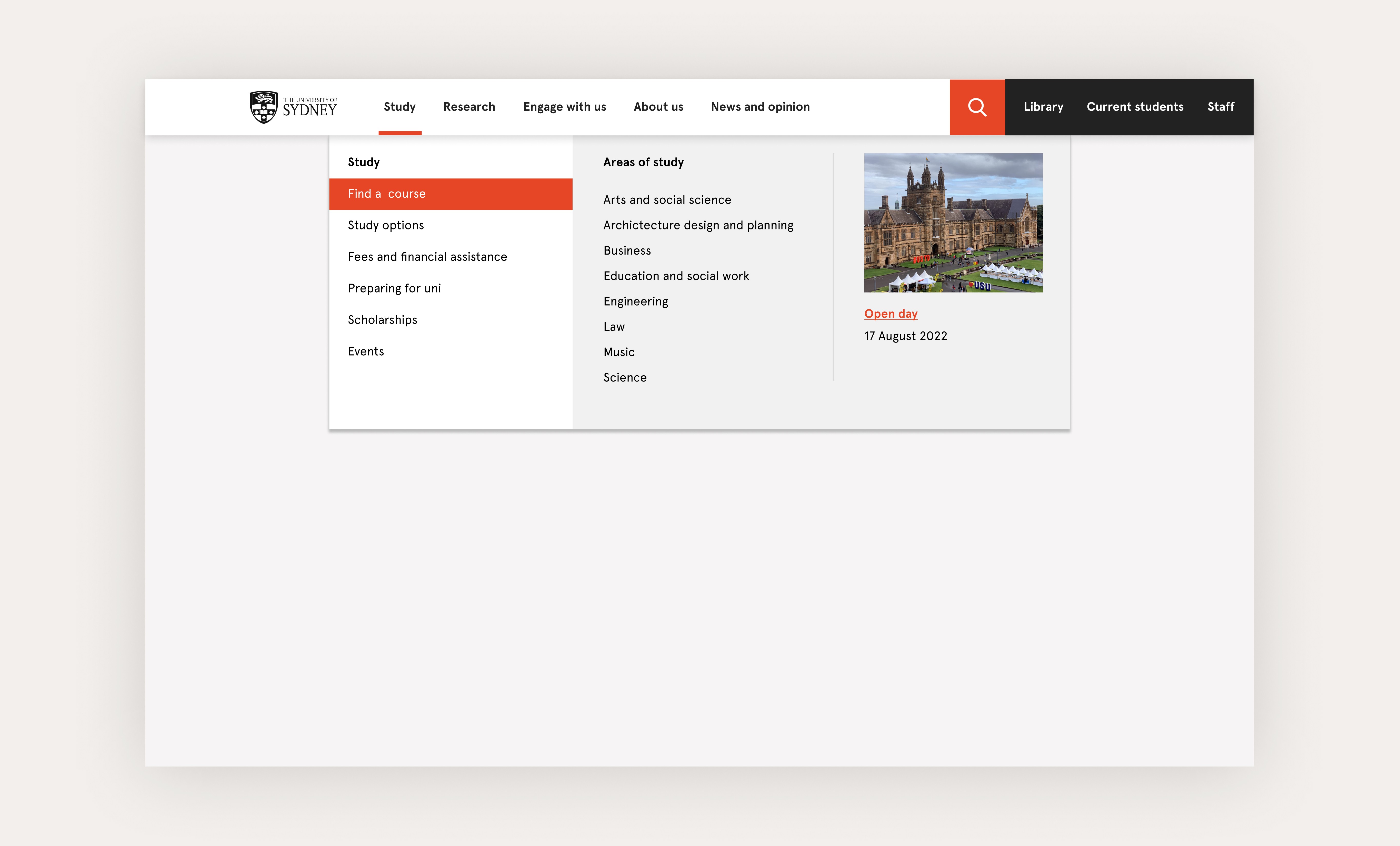
03
Multi nav prototype: Will separating site and local navigation help users focus and feel more in control?
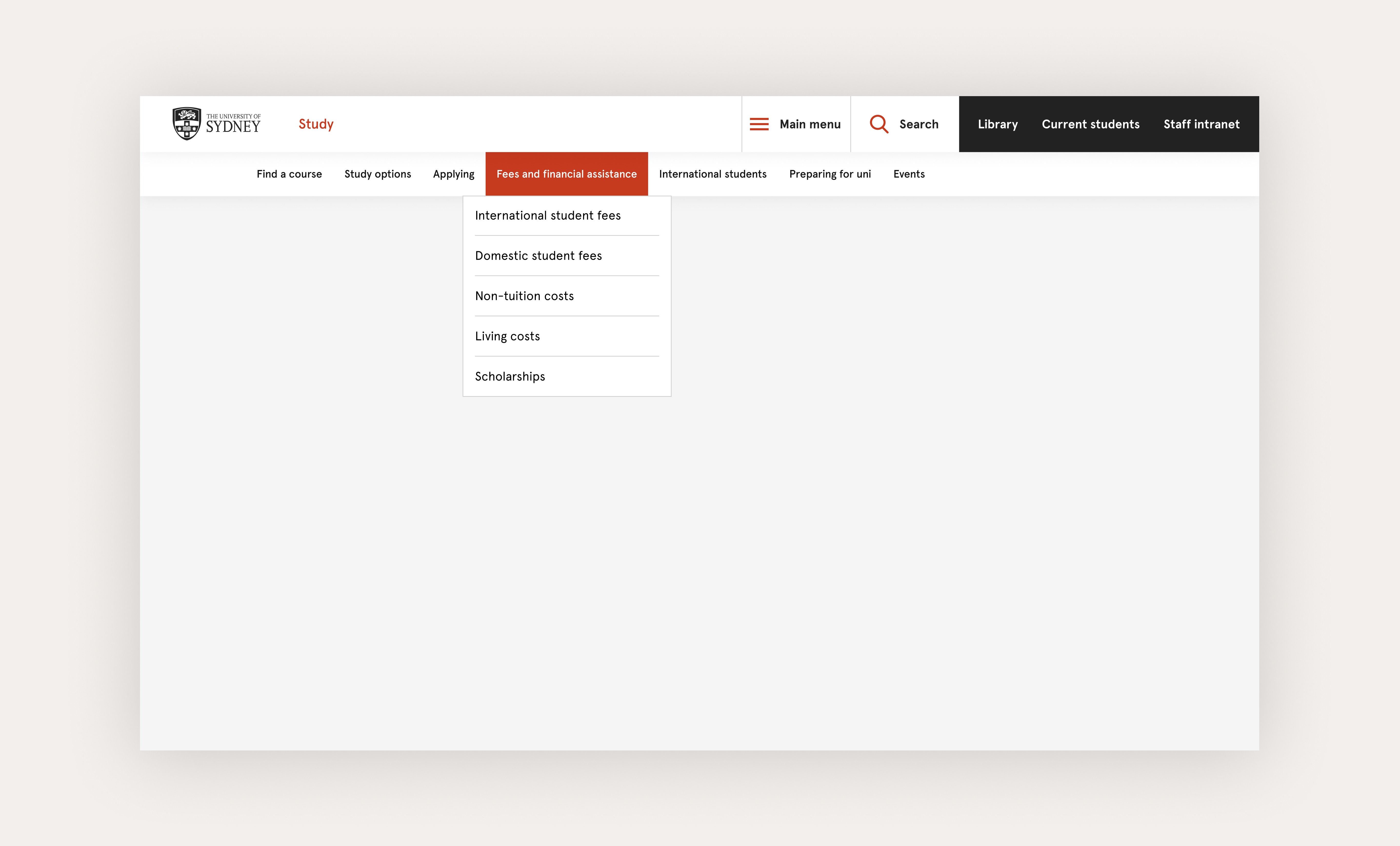
Learnings and decisions
A navigation system that balances depth, flexibility, and consistency across the entire USYD website.
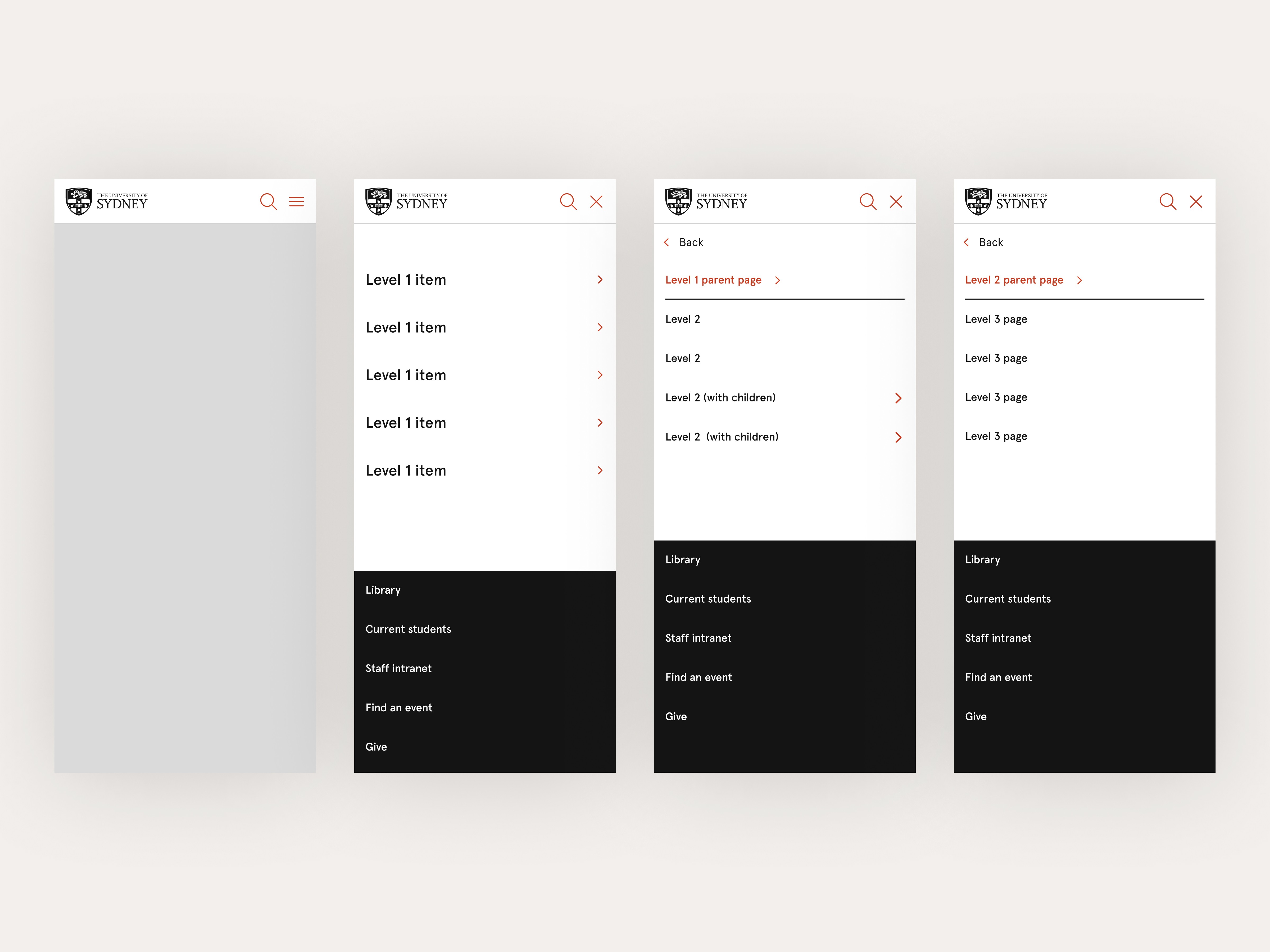
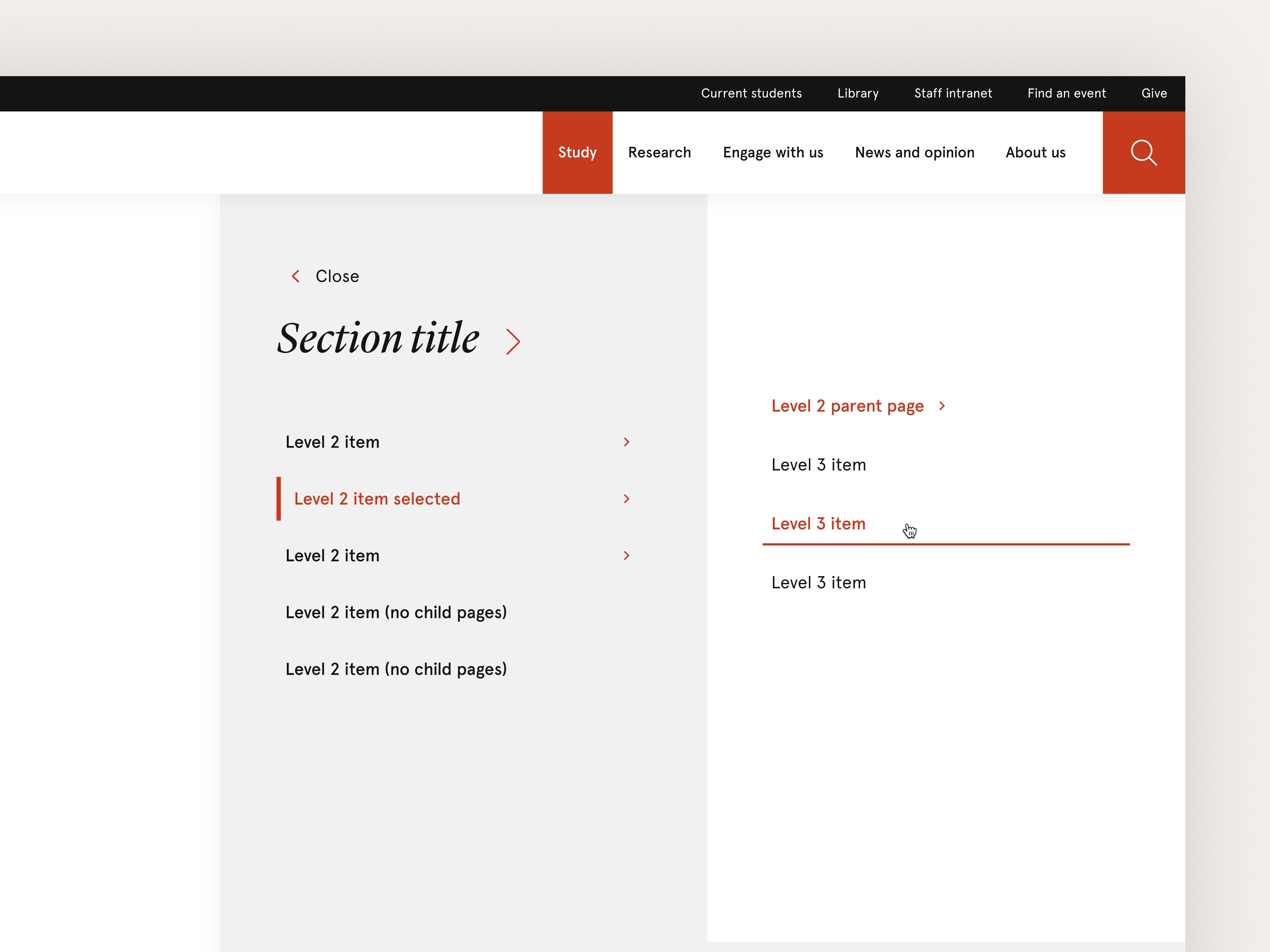
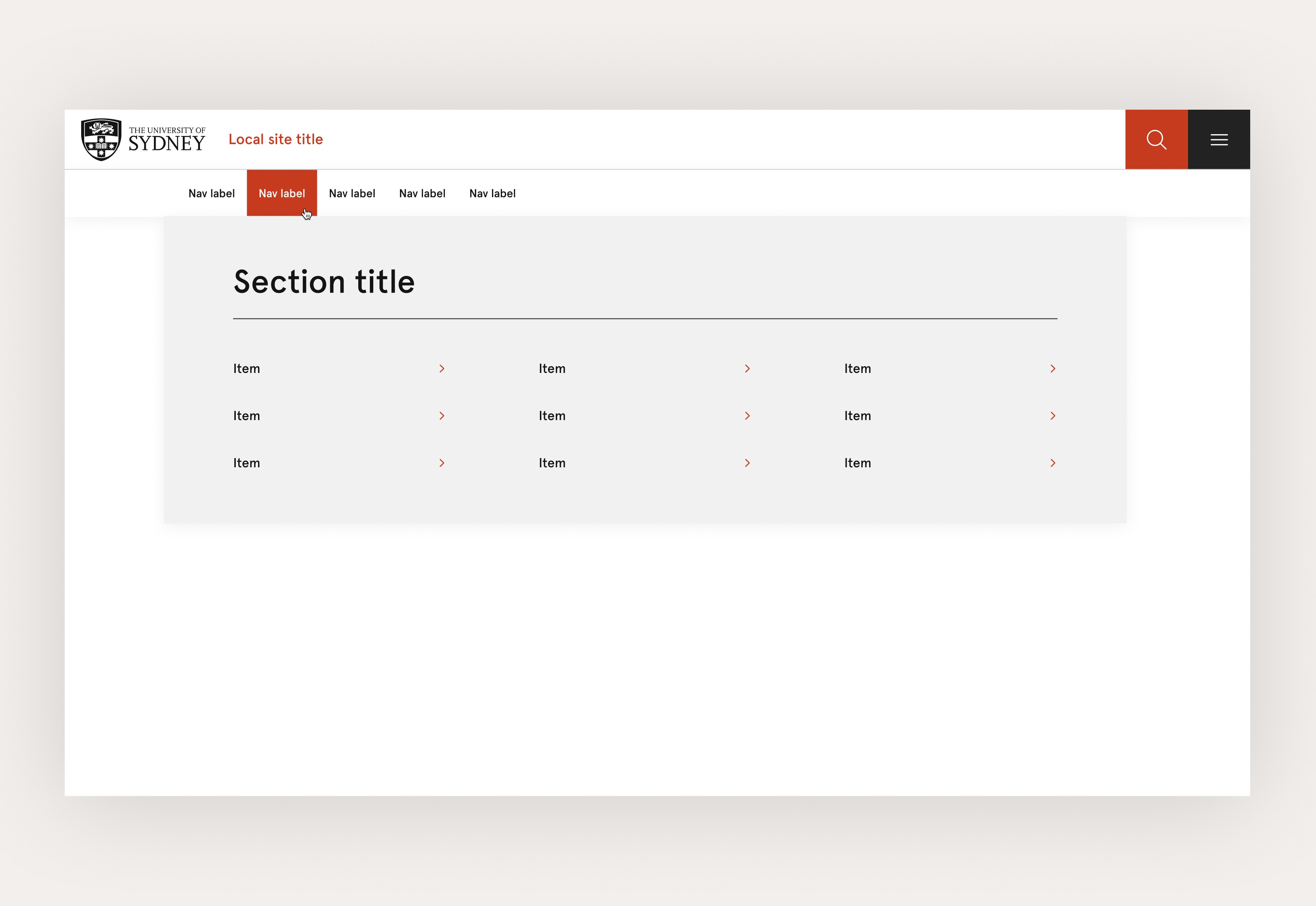
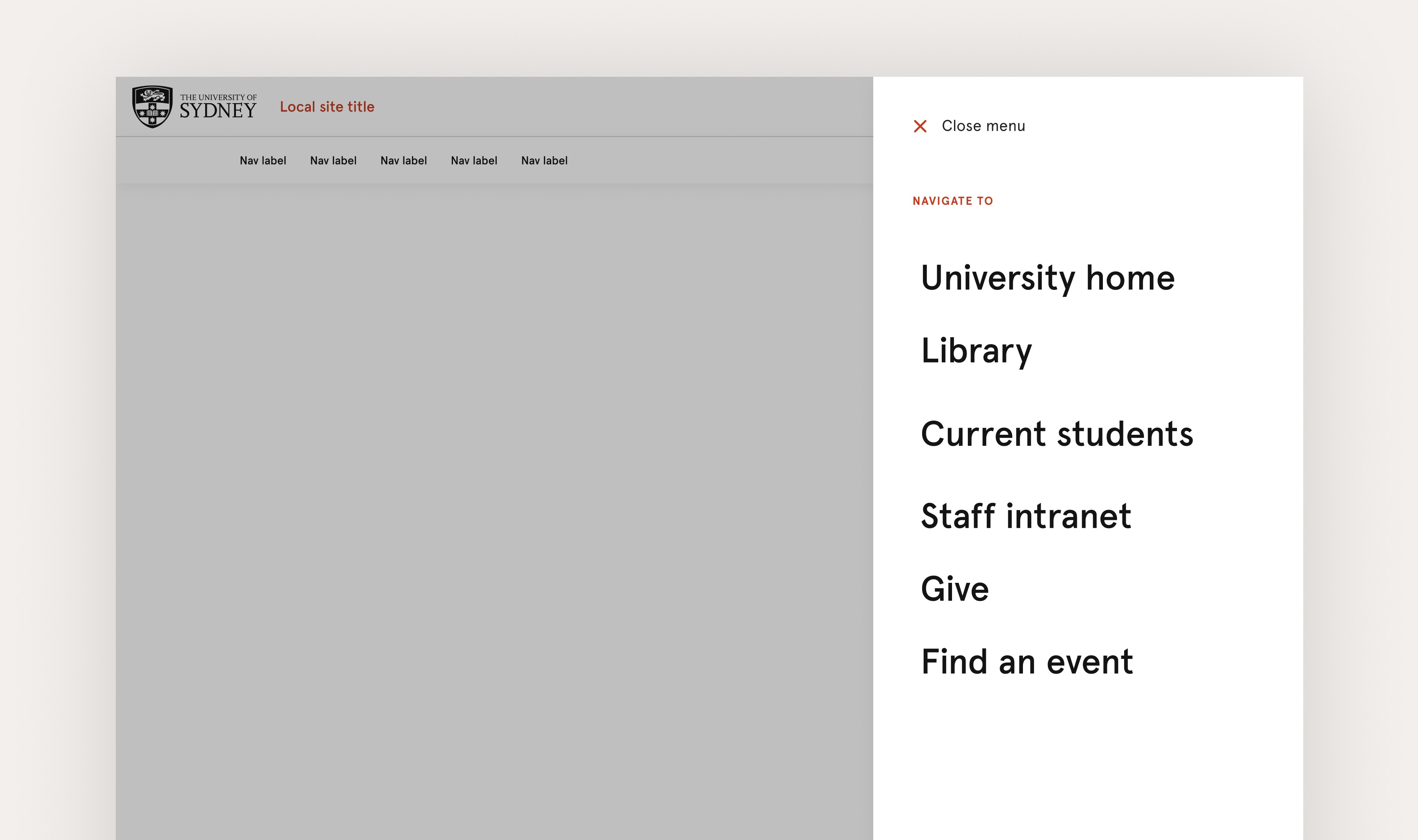
+22%
Desktop usability
#1
Mobile ranking
0
Critical accessibility issues