Spindle: a vinyl collection app
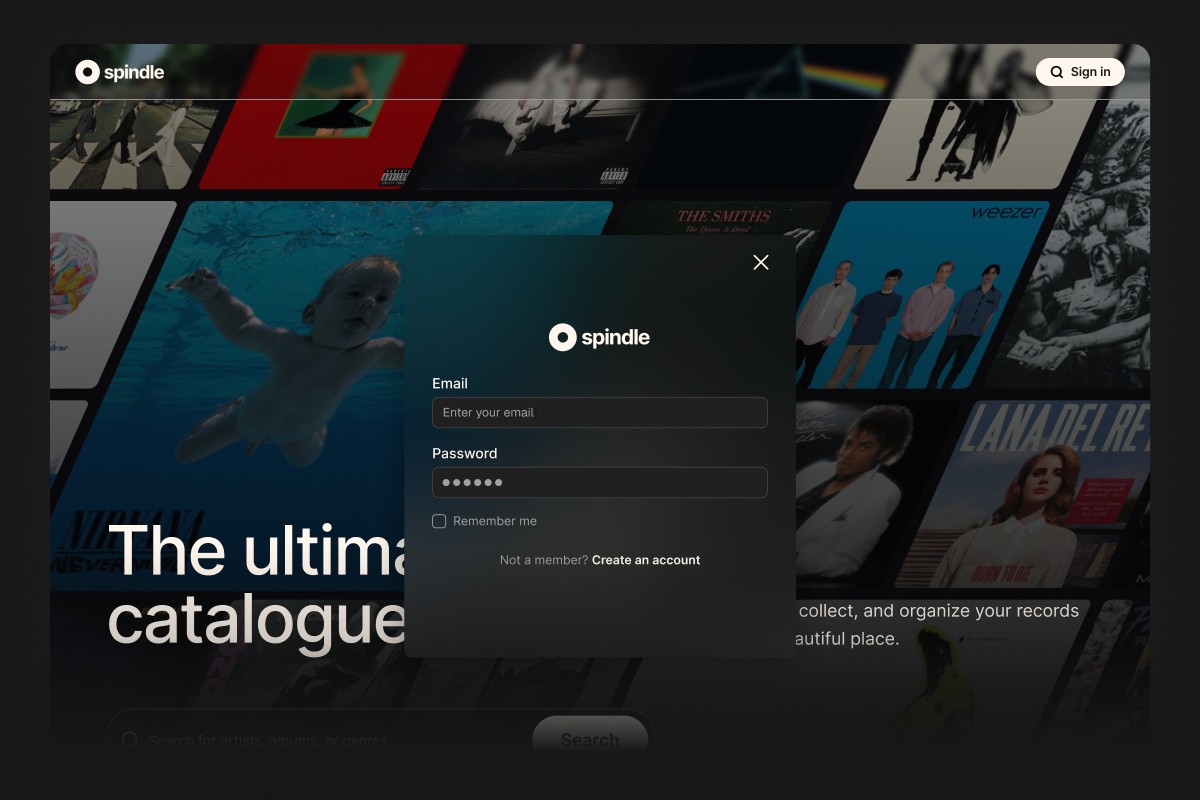
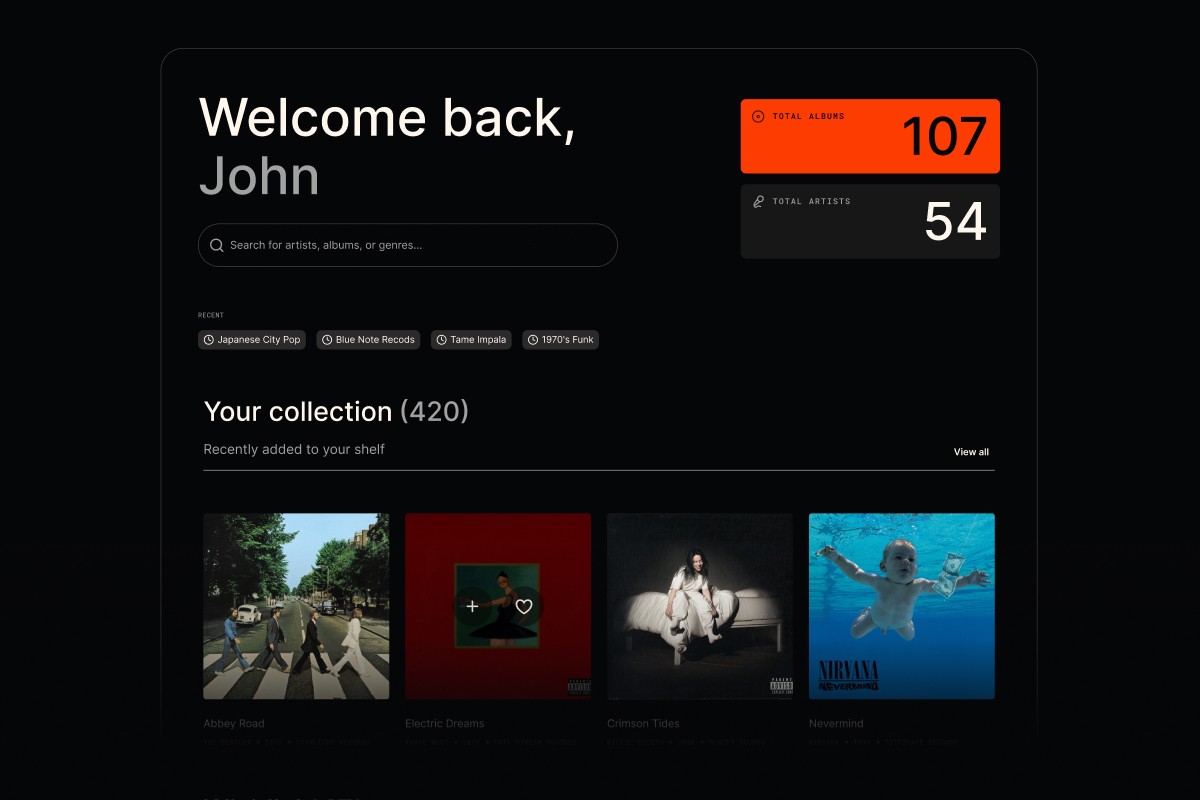
Spindle is a vibe-coded app for tracking and enjoying a vinyl collection — a straightforward way to search, check, and spend time with the records I own (and the ones I want). It’s powered by the Discogs API, giving access to millions of artists and releases.
I experimented with a number of tools to put this app together…

Loveable
Used for rapid prototyping of the essential user flows, so I could quickly shape how the app should work before committing to a full build.

Cursor (+Claude Sonnet 4.5)
Once basic user flows were working, I brought it into Cursor to start injecting real data via the API, as well as user authentication.

Figma (+Gemini Pro 3.5)
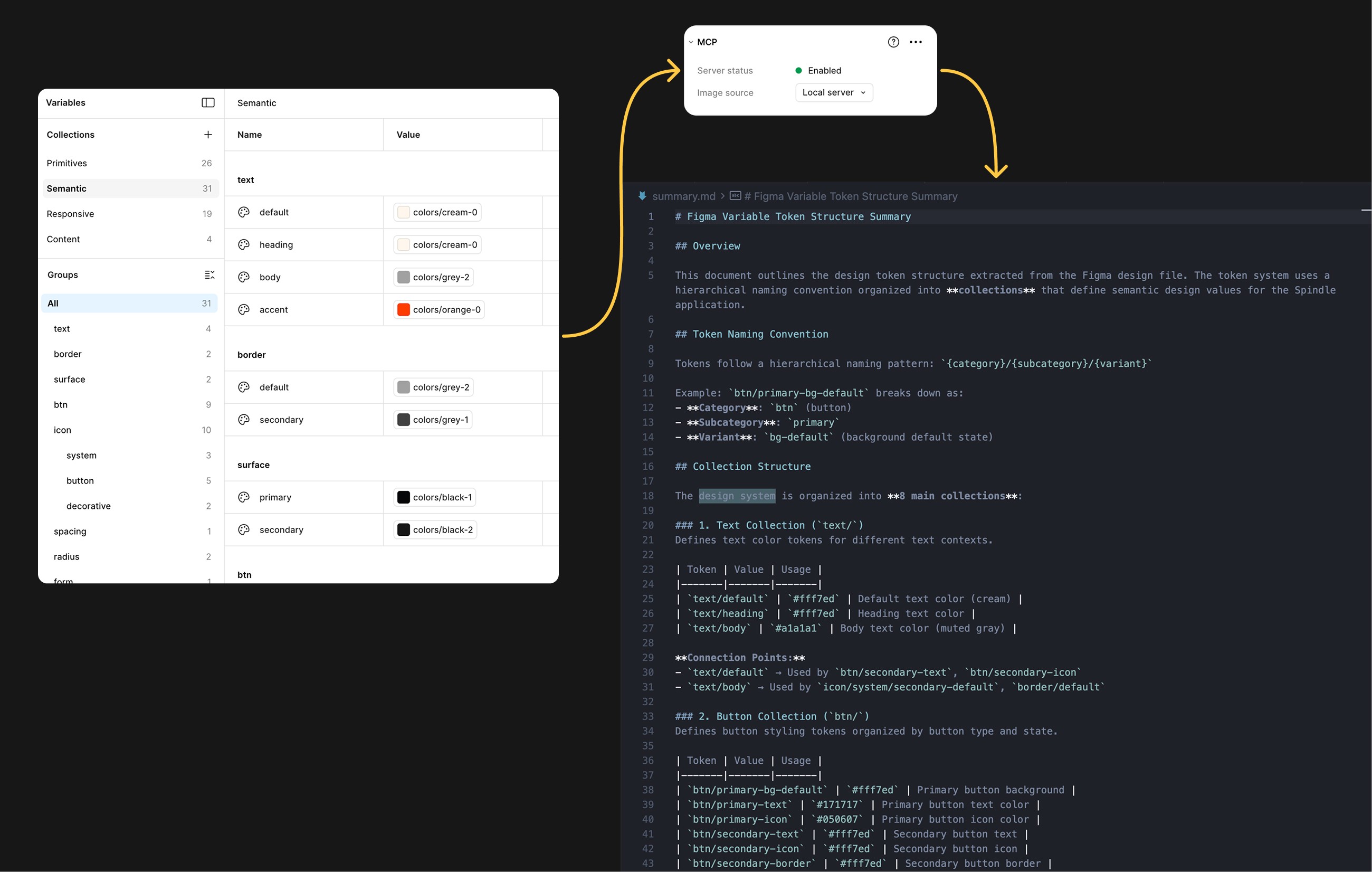
I used Figma to define the UI look and feel, refining it into a small, tokenised design system that was passed into Cursor via the Figma MCP.

Supabase
Supabase handles authentication and data storage so I can focus on product behaviour rather than infrastructure.

Discogs API
The Discogs API provides the music data that powers the app — artists, releases, and metadata.
This was an exercise to learn how to 'vibe code' a fully functional tool that I 'd actually use.
Spindle started as something I wanted for myself – a fast, clean way to check and manage my record collection without clunky spreadsheets.
More importantly, I did this as a way to learn how to 'vibe code' and work hands‑on with modern design‑to‑development tools, using AI to shape ideas, validate feasibility, and accelerate execution.
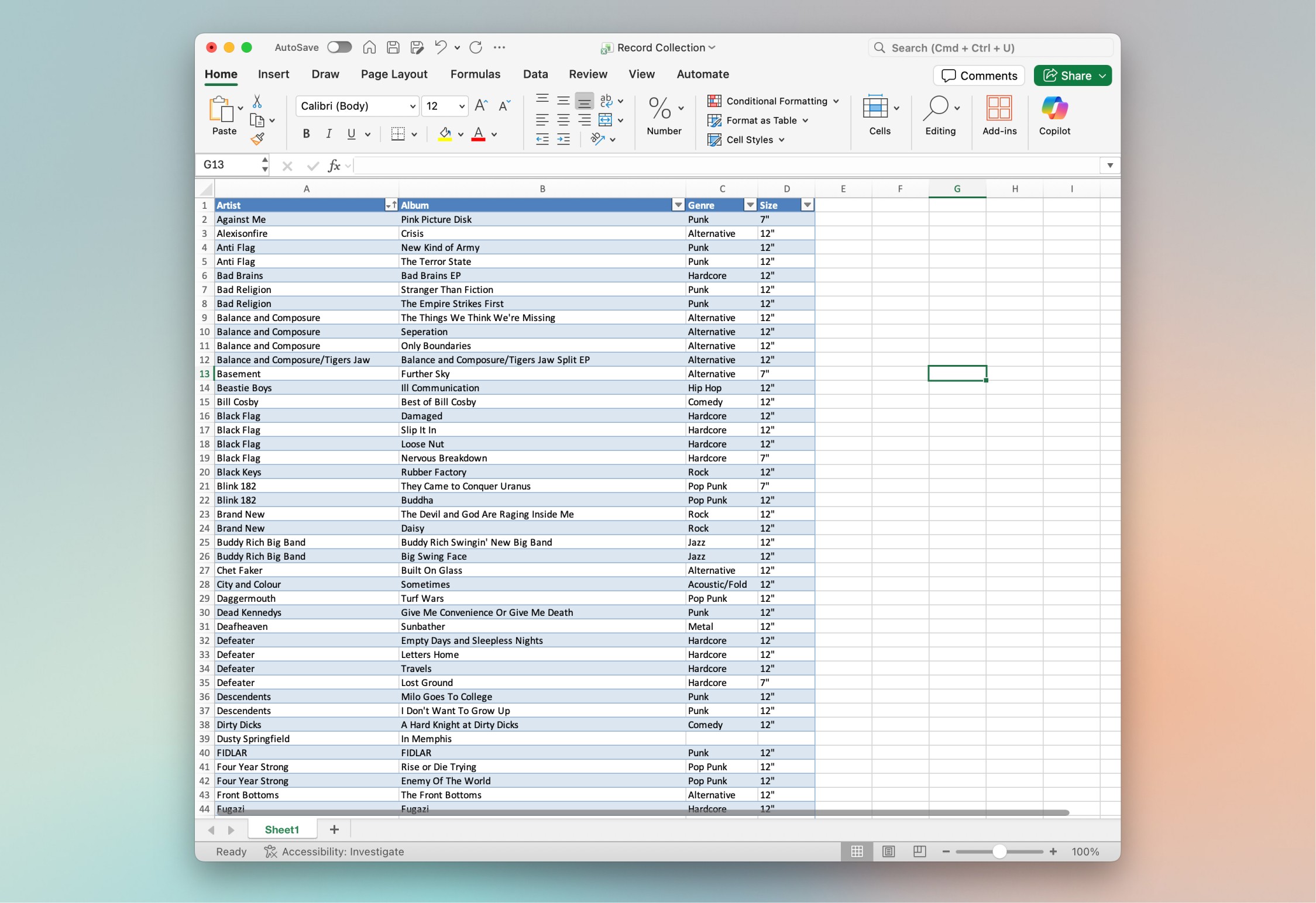
I used to manage this in a spreadsheet, but thought "I wonder if I could building something more enjoyable to use".
I started by fleshing out the idea into a detailed 'Product Requirements Prompt' (PRP)
I used ChatGPT to structure the idea, turning scattered thoughts into a PRP that defined the boundaries of version one. This clarified the scope, aligned the product to the API’s realities, and prevented unnecessary features from derailing the build.
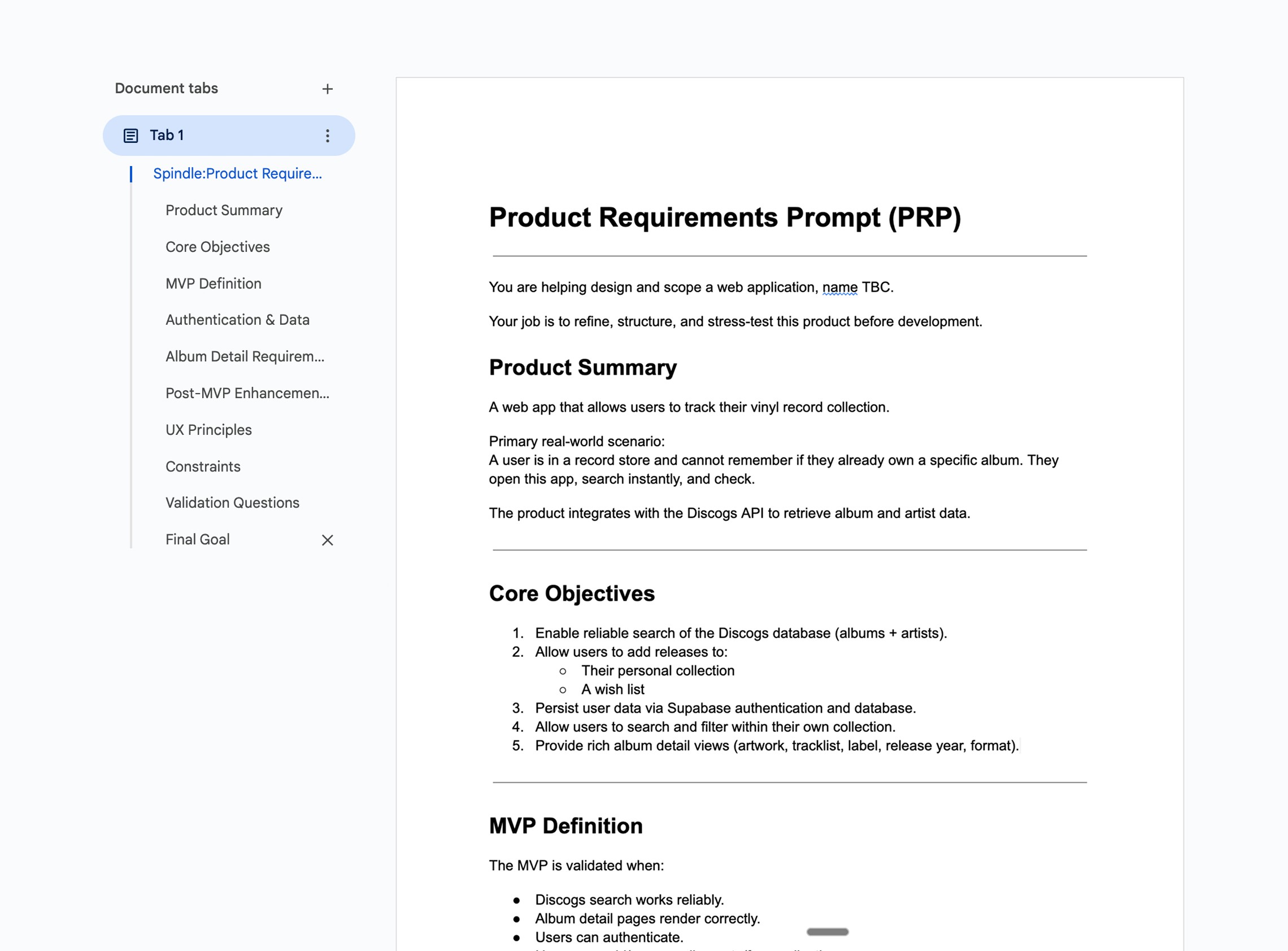
Key features included:
I built the essentials first; key user flows and technical architecture
Mapping out user flows
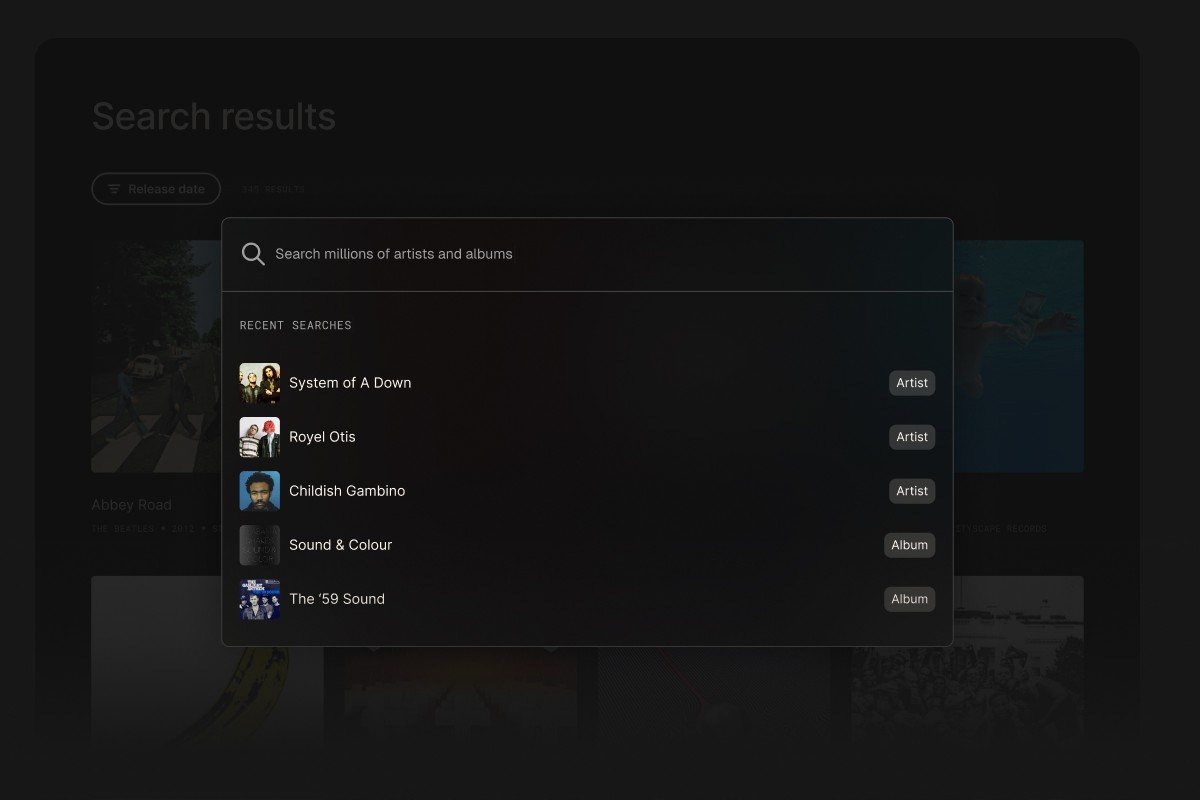
I brought the PRP into Lovable to quickly sketch the core user flows – how someone would move through search, results, and collection views – and to rough out early layouts. This allowed me turn my idea into something interactive that I could react to and iterate on.
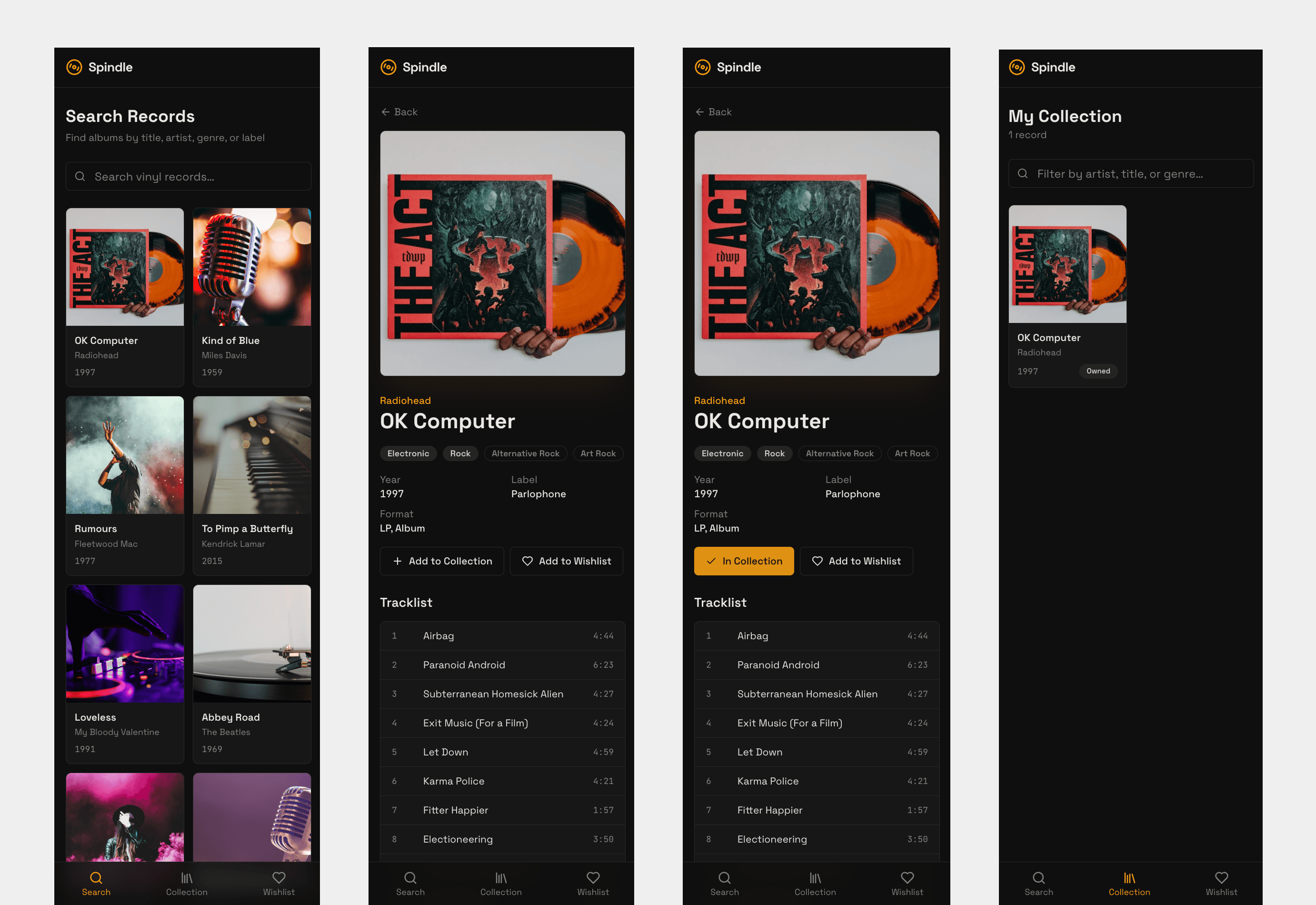
Injecting real data from Discogs API
Once the flows felt right, I moved the project into Cursor and started treating it like a real product. I got it running properly, hooked it up to real Discogs data, and made sure the foundations were solid before worrying about anything visual.
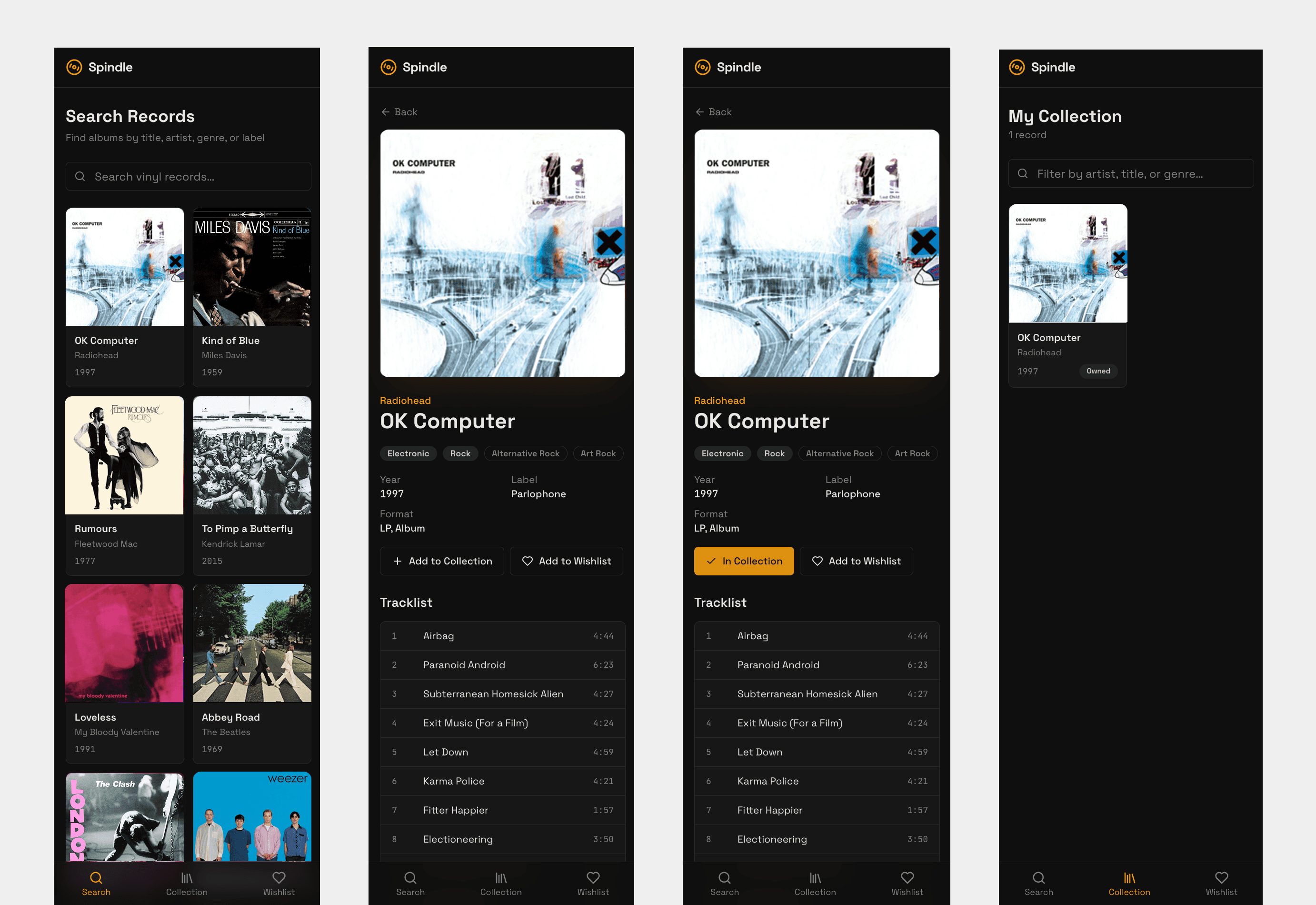
Adding authentication and database
I used Supabase to handle authentication and data storage, letting users sign in and automatically save their collection, wishlist, and preferences without building that infrastructure from scratch.
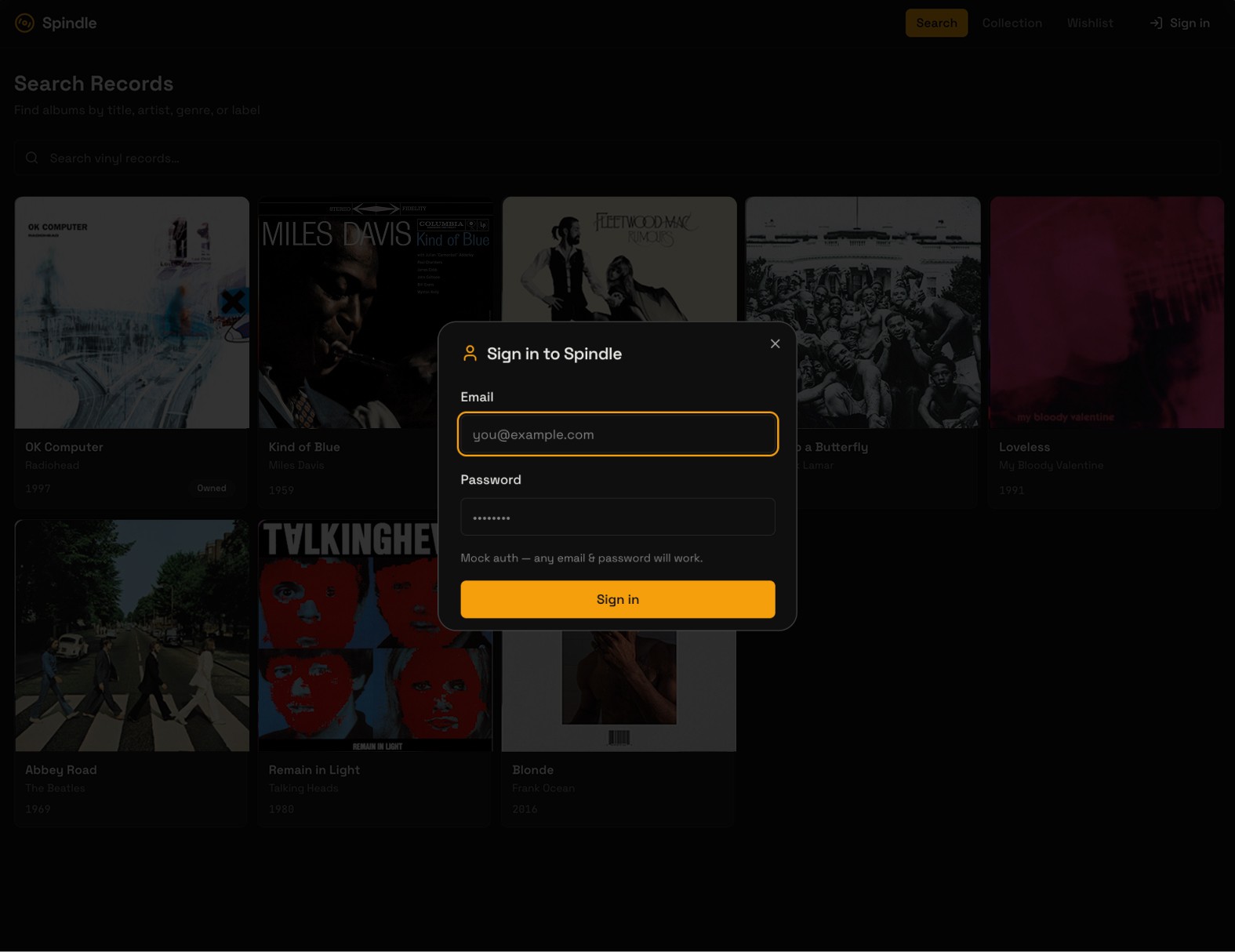
Once the back-end worked, I shifted to design mode
Speeding up ideation with Figma Make + Gemini Pro 3.5
I gathered visual references to set the tone, then fed these to Figma Make (with Gemini Pro 3.5) to rapidly generate and refine layouts through prompting. Once I had something close, I brought it into Figma to fine-tune the details before bridging the design back into code.
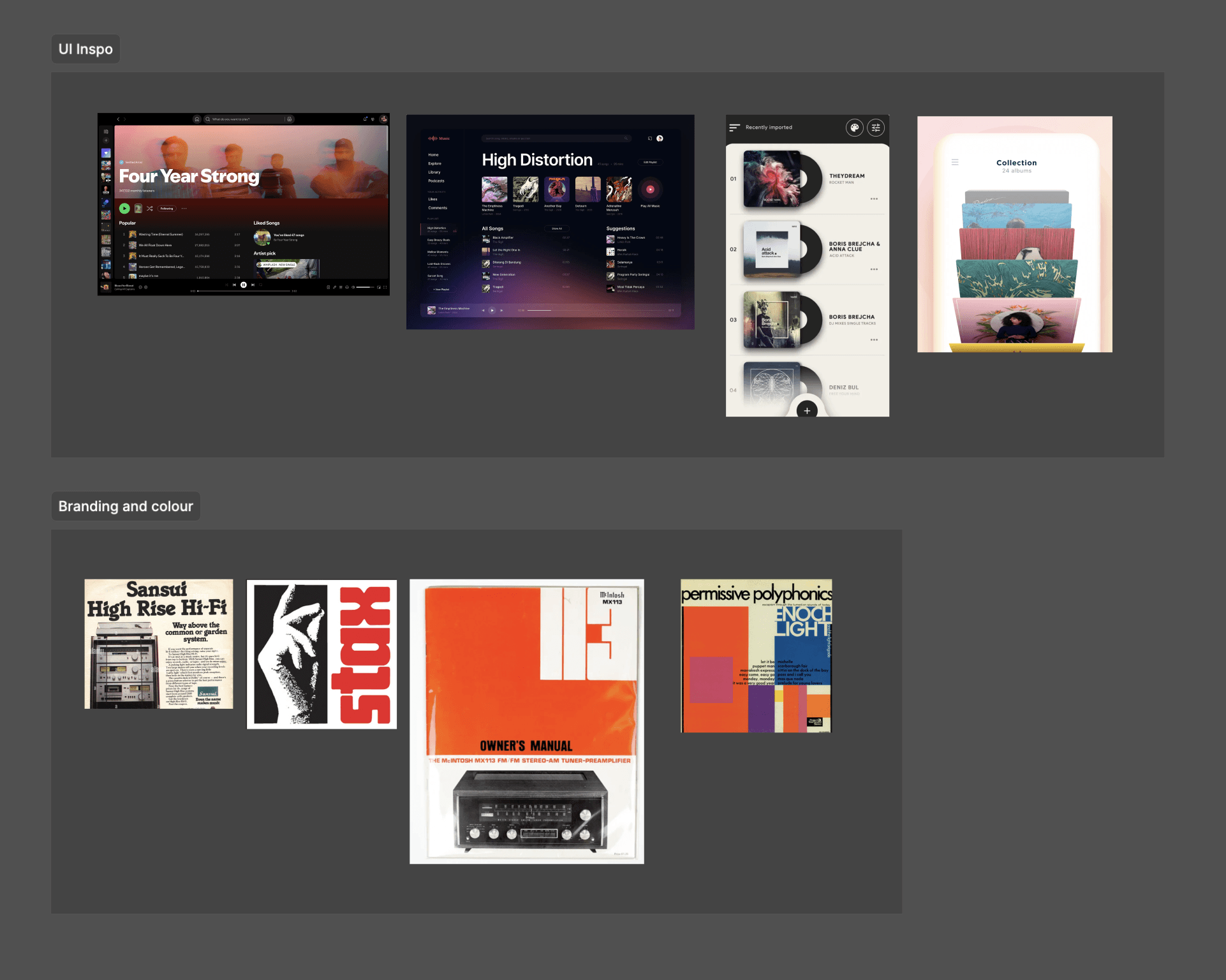
Inspo collected for the UI and visual colour palettes
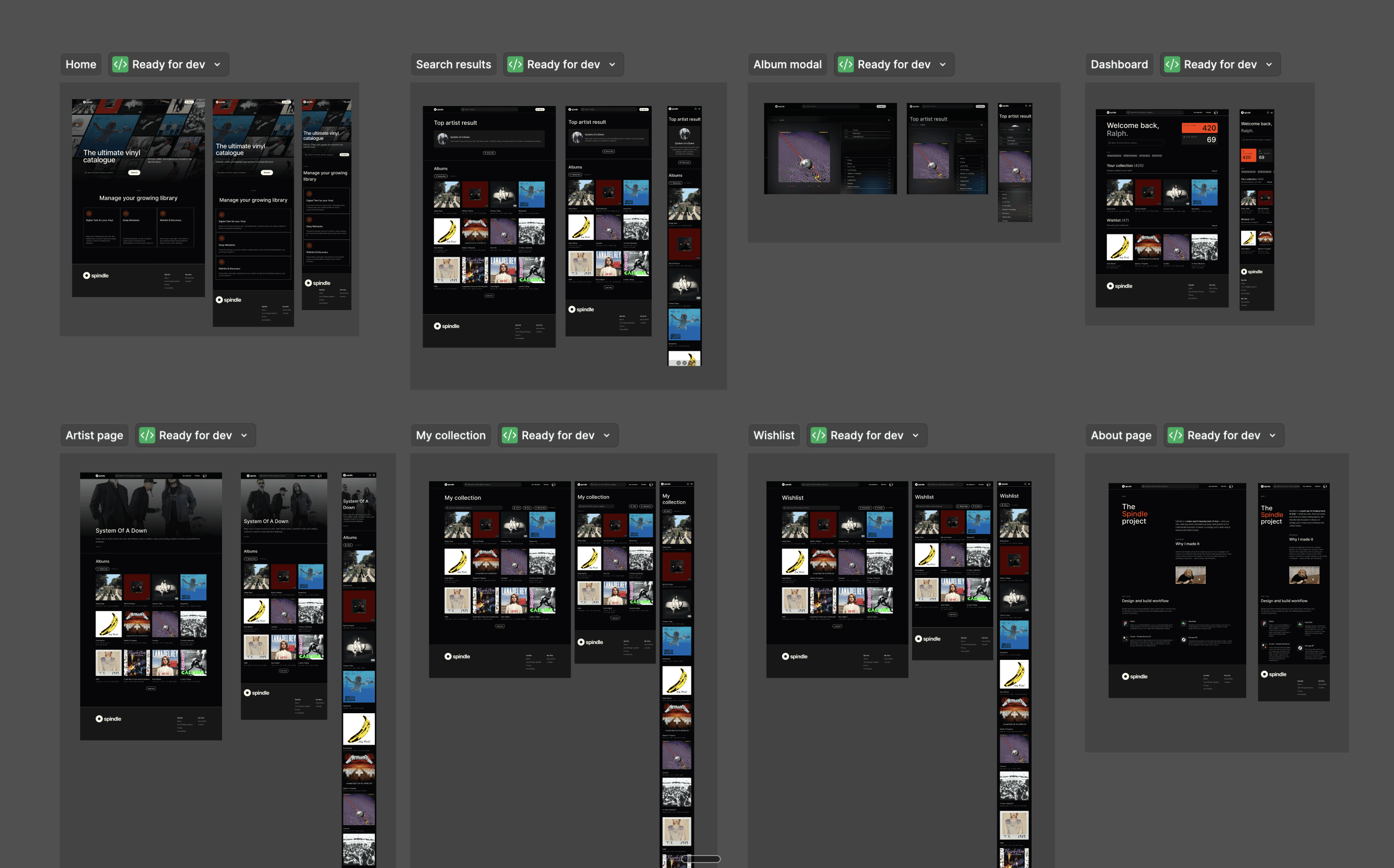
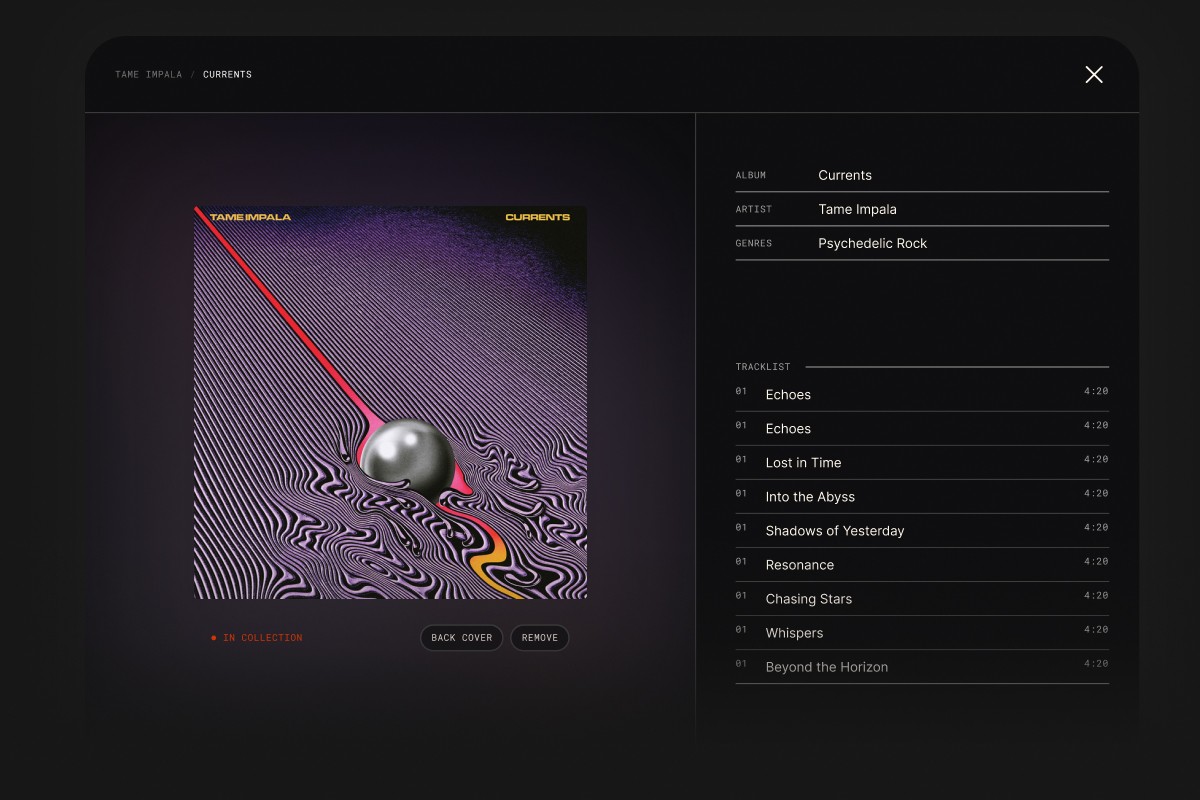
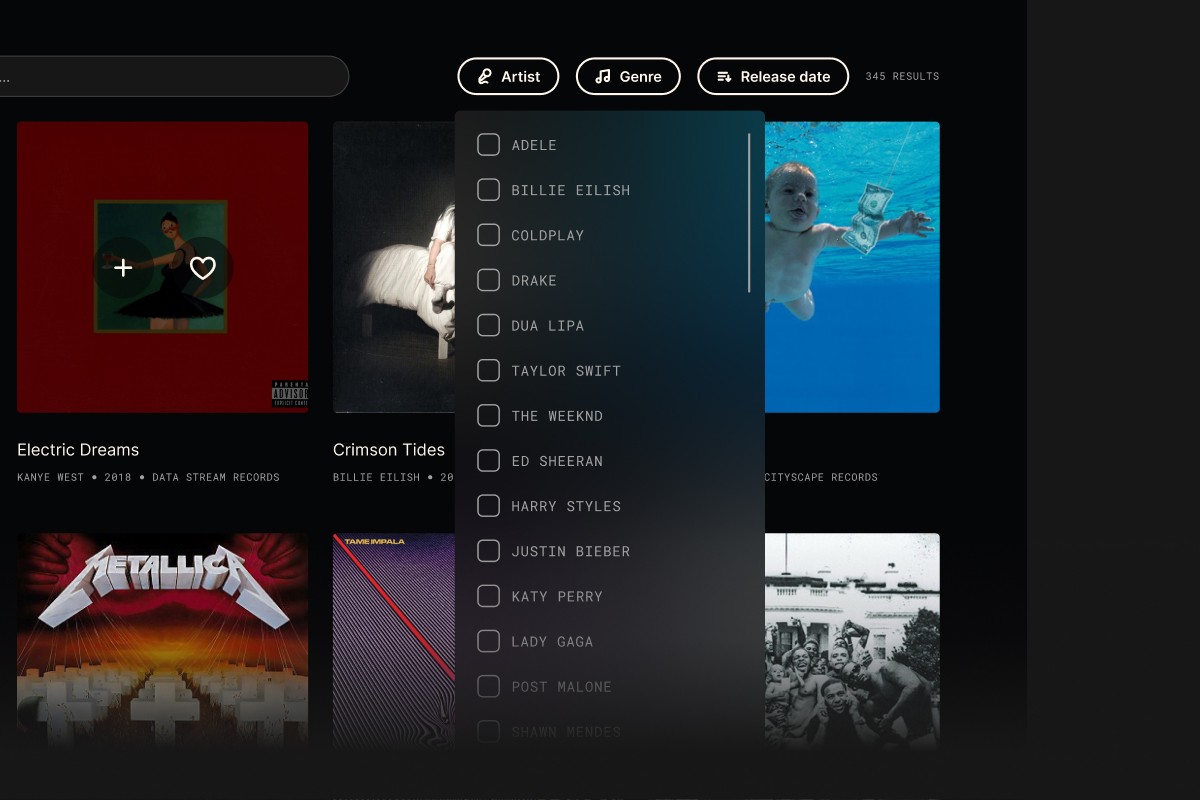
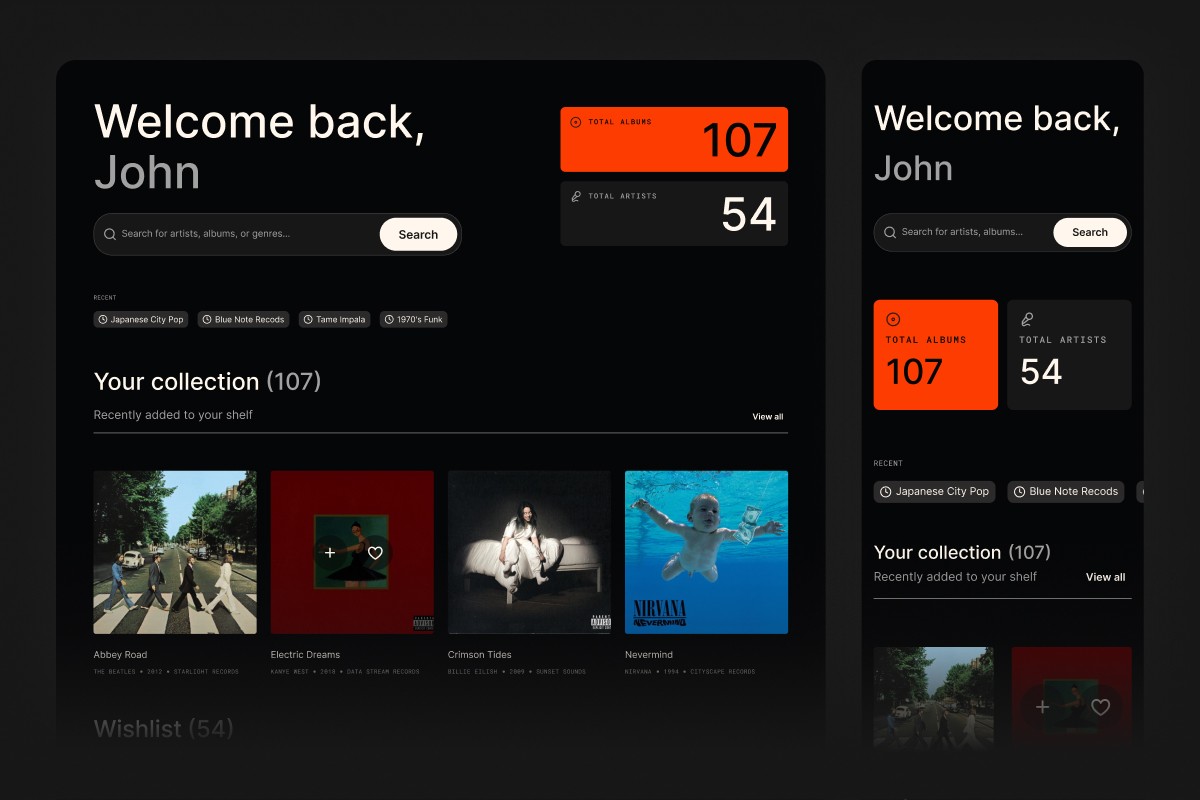
Final UI direction — rapidly explored in Figma Make to test layout and interaction ideas, then rebuilt properly in Figma with defined tokens, variables, and production-ready specs.
Bridging design and code through Figma MCP to Cursor
My Figma file used components, variables, and tokens for colour, typography, and spacing. Figma Make generated JSON that Cursor could consume, giving it a better chance of recreating the Figma file more accurately.
Once everything was stable, I added features to further improve and smoothen user experience.
Final design
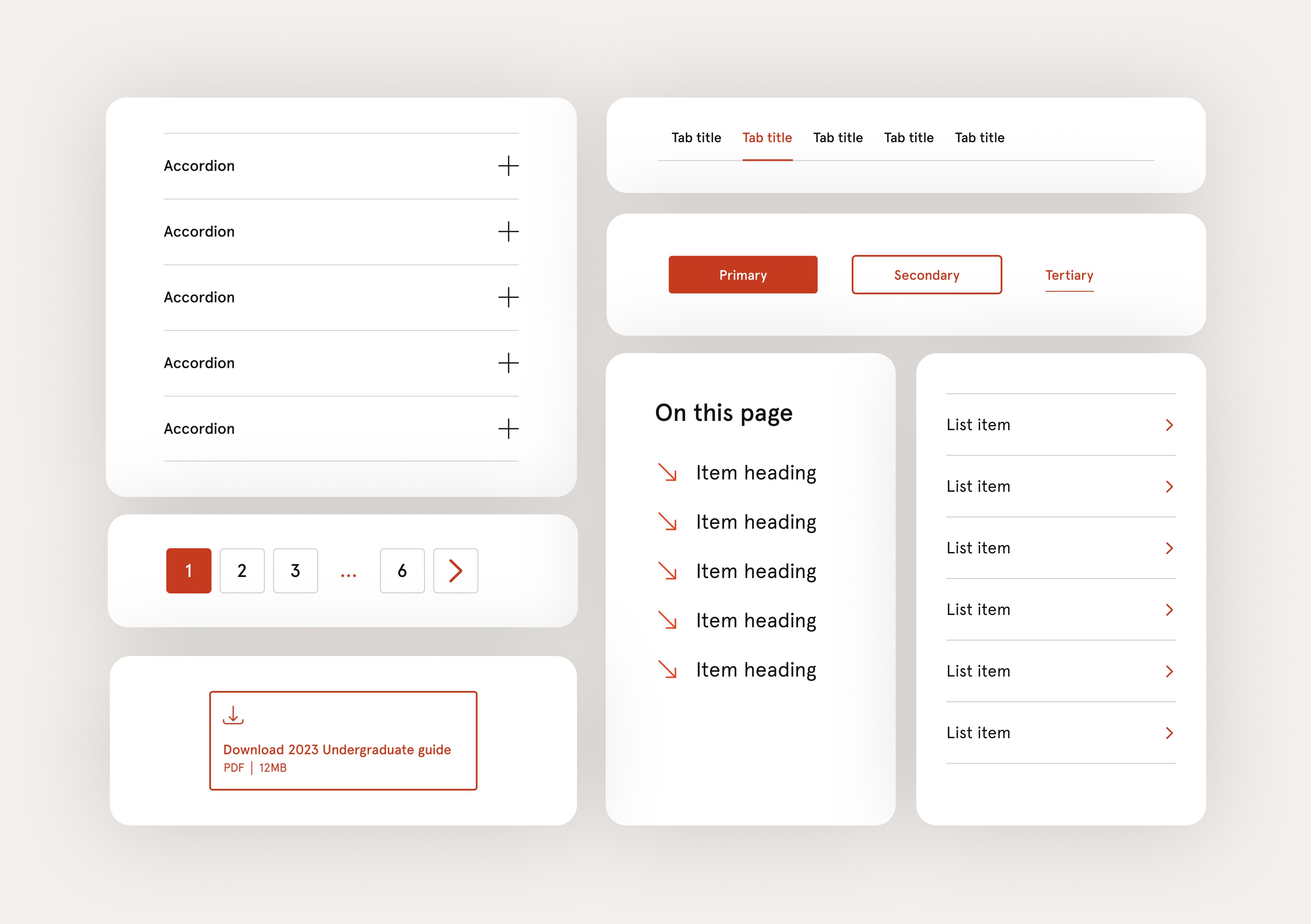
A navigation system that balances depth, flexibility, and consistency across the entire USYD website.